AI transcription, subtitles & dubbing for video
Subtitle, translate and dub your videos — with a review step you control
Get transcript files, translated subtitle files, a video with burned-in captions, or a dubbed voice track. Run it automatically, or stop to review and edit the text before Shadida produces your final files.
100 welcome tokens when you sign up (one-time) · No credit card required · What does the free plan include?
Services
What do you want to get out of your video?
Six video outputs in three groups. Each one is priced per minute of video and paid from your token balance.
Text & subtitle files
For editors and translators who finish the work in their own tools.
- Transcript files
The spoken words in the original language, as SRT, VTT and TXT.
Tokens per minute: 1
- Translated subtitle files
The same files, translated into the languages you pick.
Tokens per minute: 2 · per target language
Video with on-screen text
A video with the text burned into the picture, in the style you choose.
- Captions in the original language
The transcript burned onto the video, plus the subtitle files.
Tokens per minute: 4
- Translated subtitles on the video
The translation burned onto the video, plus the subtitle files.
Tokens per minute: 5 · per target language
Dubbing
A new voice track in the target language, generated from the text you review.
- Dubbed voice only
The dubbed voice replaces the original audio. Nothing is written on the picture.
Tokens per minute: 8 · per target language
- Dubbed voice + burned subtitles
The dubbed voice and the burned subtitles in one video.
Tokens per minute: 9 · per target language
Dubbing is available in Arabic and English today. Other languages are in beta.
Start freeOnly have text? Standalone text translation is a separate tool inside your account: 1 token per 1,000 words.
How it works
How a job runs — and where you step in
Three stages. The middle one is where you decide how much to control.
- 1
Upload and set up
Upload a video or audio file, then choose the output, the source language and the target languages. For burned text you also set the style, font, size, colour and position on a live preview.
- 2
Run automatically, or stop to review
AutomaticOne button runs the job to the end and your files arrive ready.
Stop for reviewThe job pauses after transcription and translation. You correct the text, adjust timings, split or merge lines — and it continues only when you press “Confirm & Continue”.
A job that is waiting for review is not stuck. It is waiting for you.
Dubbing always stops for review, so the voice is generated from text you have seen.
- 3
Download
When processing completes, you download the video (MP4) and the subtitle files — SRT, VTT and TXT — one by one, or the subtitle files together as a ZIP. Results stay available for your plan’s retention period.
MP4SRTVTTTXTZIP
Processing time depends on the length of the video and the service you choose.
What you control
Text and timing
Edit any line of the transcript or the translation, adjust its start and end times, split and merge lines, or upload your own SRT.
The look of burned text
16 styles, plus font, size, colour, background and position. You set them before processing, on a live preview. The review screen that follows is for the text, not the look.
The dubbing voice
8 preset voices. Pick one for the whole video, then give individual lines a different voice in review. The voices are presets: the original speaker’s voice is not cloned.
- Karimdeep & calm
- Samibalanced, young
- Hazemformal news anchor
- Rawiwarm storyteller
- Mageddignified & composed
- Nourbright & energetic
- Salmasoft & gentle
- Lailawarm & friendly
After you sign up and upload, the voice step plays the first sentence of your own video in each voice — before the dubbing job starts and before any tokens are deducted.
Speech length
In dubbing review, colours flag lines whose spoken length may not fit their time slot. The colour is about duration, not translation quality: listen to the line, then shorten it or adjust its timing.
Subtitle styles, as the engine burns them
Four of 16 styles on the same sentence. These are short silent clips burned by the engine on a test background, with evenly spaced test timings: they show the look and the motion, not sync with real speech.
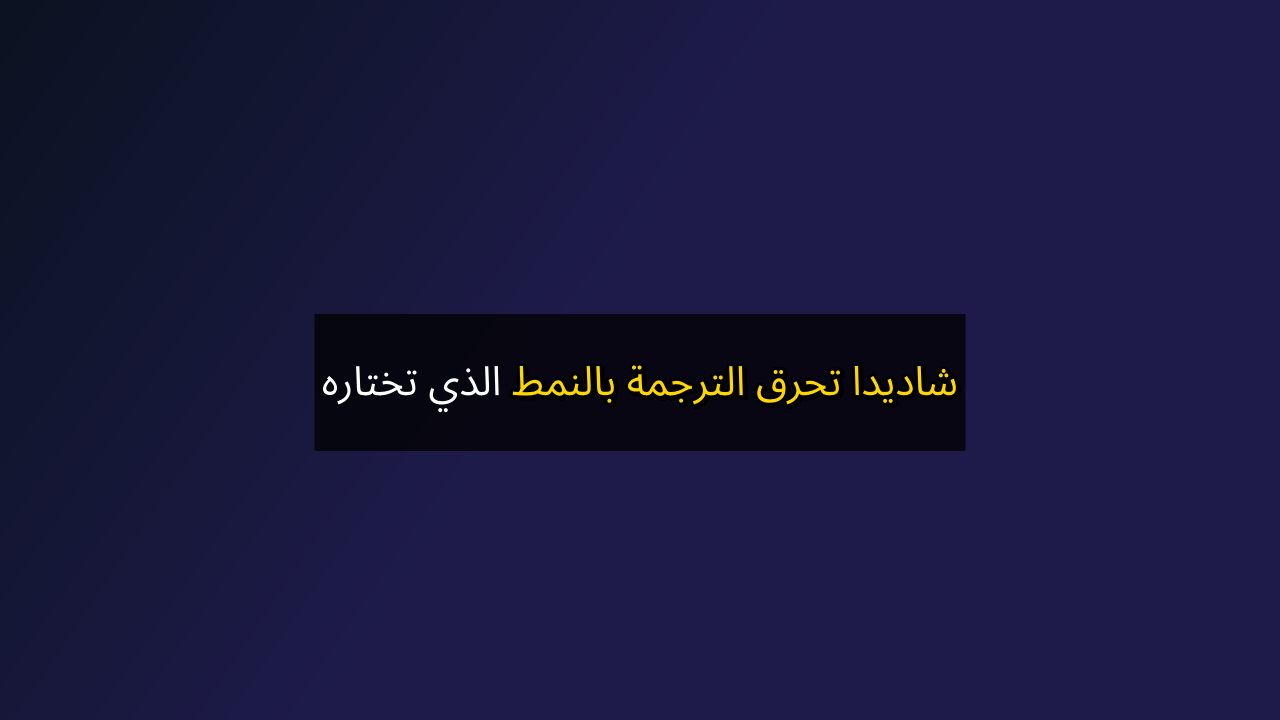
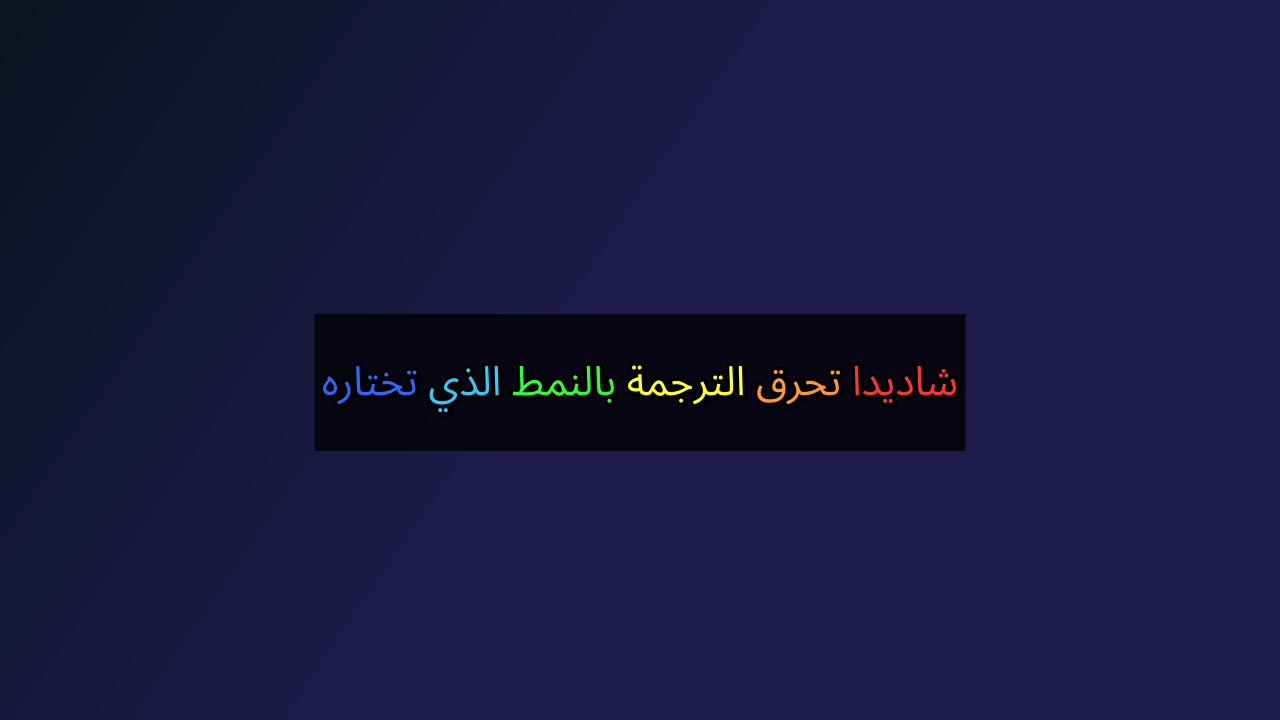
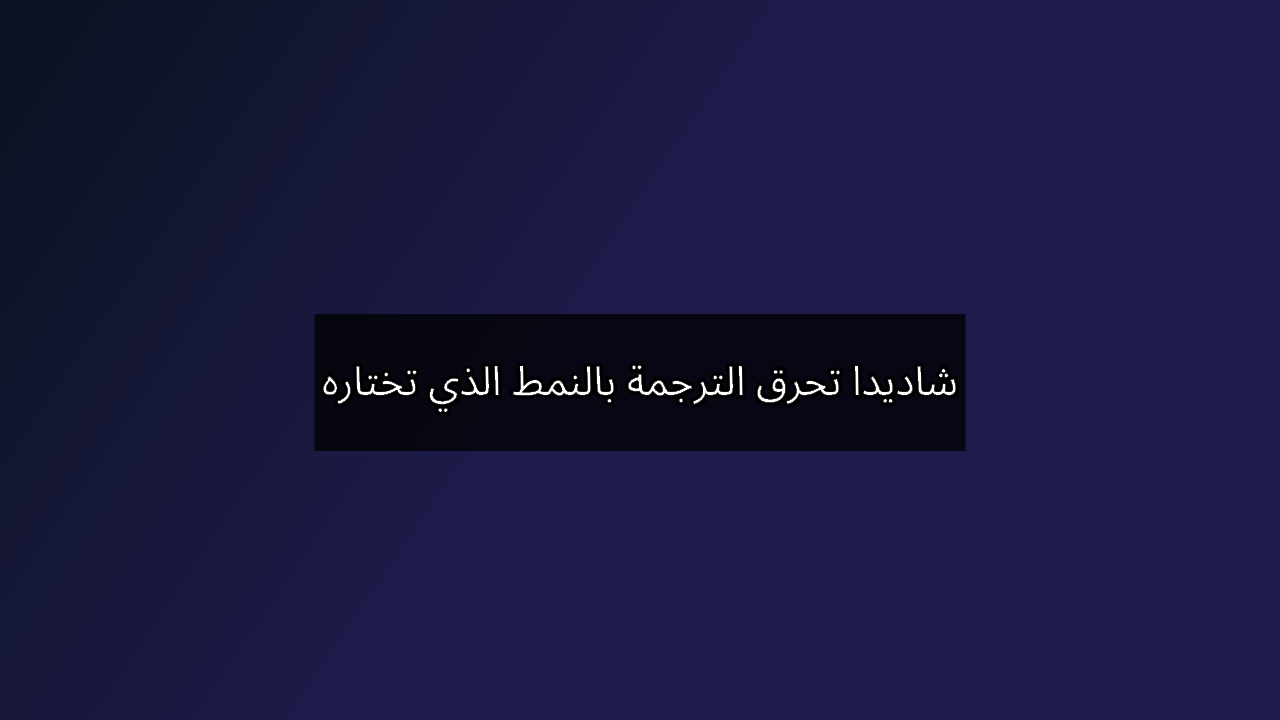
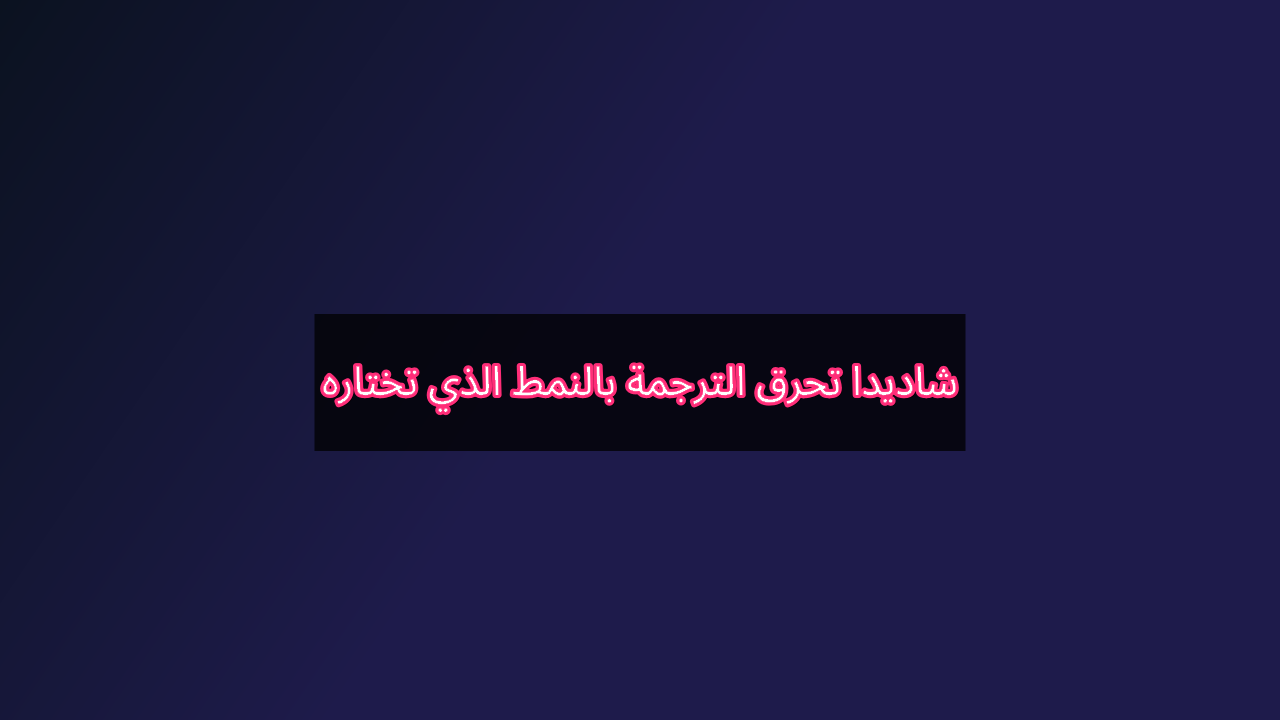
All 16 styles are available on every plan, including Free.
Arabic is burned right-to-left, with joined letters and fonts calibrated for the engine. Lines that mix Arabic with Latin names and numbers are worth testing on your own content — the free tokens are there for that.
Languages, by what you need
- Transcription (speech to text)
- 100 languages
- Translation (text)
- 145 languages
- Dubbing (voice)
- Arabic and English — other languages in beta
- Site interface
- 50 languages
Accuracy varies with the language, the dialect and the quality of the recording. You pick the source language from the list, or let the platform detect it.
Pricing
What it costs
A plan gives you tokens every month. Each job spends tokens by the minute. The plan price and the cost of a job are two separate things.
| Output | Tokens per minute |
|---|---|
| Transcript files | 1 |
| Translated subtitle files | 2 · per target language |
| Captions in the original language | 4 |
| Translated subtitles on the video | 5 · per target language |
| Dubbed voice only | 8 · per target language |
| Dubbed voice + burned subtitles | 9 · per target language |
Tokens = minutes (rounded up) × rate × number of target languages. The language multiplier applies to translation and dubbing.
- Example: a 10-minute video, dubbed with burned subtitles into one language = 10 × 9 × 1 = 90 tokens.
- Example: transcript files for the same video = 10 × 1 = 10 tokens.
| Free$0 per month | Pro$10.92 per month | Business$53.02 per month | |
|---|---|---|---|
| Tokens | 100 on sign-up (one-time), then 50 a month | 250 a month | 1,250 a month |
| Video export, up to | 720p | 1080p | 1080p |
| Shadida watermark on videos | Yes | No | No |
| Results kept (days) | 2 | 7 | 15 |
| Longest video (minutes) | 180 | 180 | 180 |
With 100 tokens you can, for example, burn translated subtitles onto 20 minutes of video, or dub 12 minutes.
Welcome tokens are granted once. They are not a monthly allowance.
Full pricing and calculatorBefore you upload
Your files
Results are kept for your plan’s retention period — 2, 7 or 15 days. How files are handled is set out in the privacy policy.
Privacy policyPayment
Payments are handled by Whop; your card details do not reach our servers. Billing is monthly and you can cancel at any time.
PricingWhat it does not do
No lip-sync and no voice cloning. Dubbing is calibrated for Arabic and English only.
Frequently asked questions
What can I download from Shadida?
It depends on the service you choose: transcript files (SRT, VTT, TXT), translated subtitle files, a video with the text burned into the picture, or a dubbed video. The subtitle files can also be downloaded together as a ZIP.
Do I have to review the text?
No. For subtitles and files you choose between running automatically and stopping for review. Dubbing is the exception: it always pauses so that you approve the text before it is spoken.
What do I get for free?
100 welcome tokens once when you sign up, then 50 tokens every month. On the free plan, videos are exported at up to 720p with a Shadida watermark, and results are kept for 2 days. No credit card is required.
How much does it cost?
The platform runs on tokens within monthly plans: Free to try (dubbing included, paid from your token balance), Pro at $10.92/month (250 tokens), Business at $53.02/month (1,250 tokens). Dubbing costs 8 tokens per minute, dubbing with burned subtitles 9.
Does dubbing change the picture?
Voice-only dubbing replaces the audio track and writes nothing on the picture. Dubbing with burned subtitles adds the text to the picture, so the video is encoded again.
Can I hear the voice before I start a dubbing job?
Yes. After you sign up and upload, the voice step plays the first sentence of your own video in each of the 8 voices, before the job starts and before any tokens are deducted. If the opening of the video has no speech, a standard sample sentence is played instead.
Which languages are supported?
Transcription covers 100 languages and translation covers 145. Dubbing is calibrated for Arabic and English; other dubbing languages are in beta. Accuracy depends on the language, the dialect and the quality of the audio.
How long does processing take?
It depends on the length of the video and the service. Your files are ready to download when processing completes. If you chose to review, the job waits for you first.
How is Arabic handled?
Burned Arabic text is set right-to-left with joined letters, in fonts calibrated for the engine, and Arabic is one of the two calibrated dubbing languages. Try it on your own content with the free tokens before you rely on it.
Content agency or a team? Larger volumes? Write to us.
Business contact ↗Try it on one of your own videos
100 welcome tokens when you sign up, one-time. No credit card required.
Create your free account